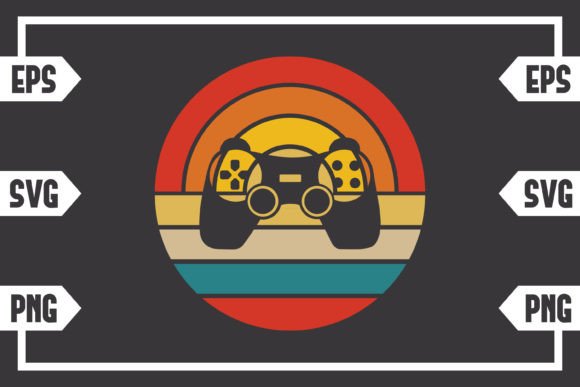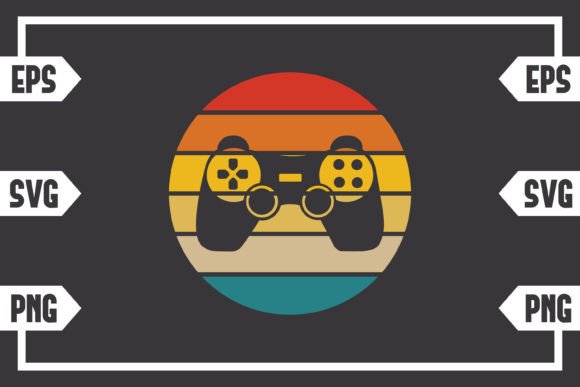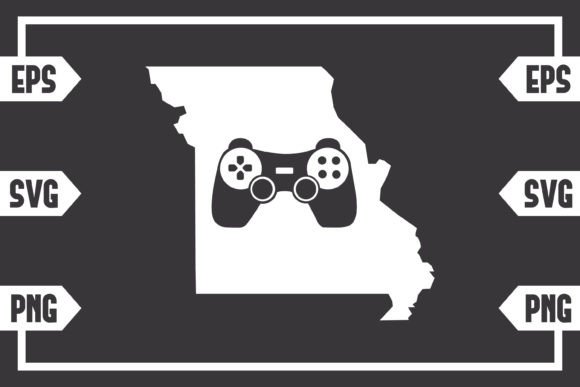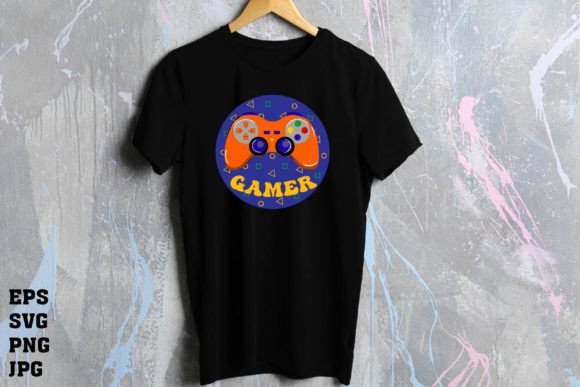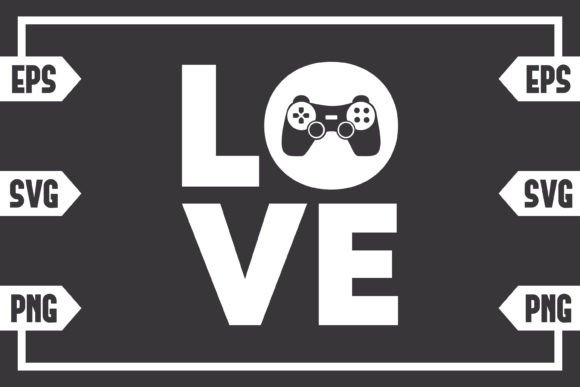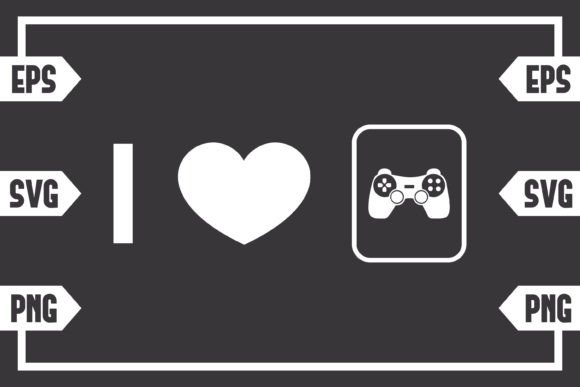
I Love Gaming Controller Art for Creative Projects
Finding a clear, versatile design file that captures a passion like gaming can be a goldmine for creators. The I Love Gaming Controller digital graphic is precisely that—a modern, stylized illustration of a classic gamepad paired with a heartfelt text phrase. This isn't a novelty item you hold; it’s a foundational digital asset. Your purchase delivers a downloadable toolkit designed to be adapted, transformed, and applied across countless personal and professional projects.
What You Receive: A Multi-Format Creative Toolkit
You get a digital download only. This means no physical sticker, shirt, or poster arrives at your door. Instead, you receive one .zip file containing three distinct, high-quality files crafted for different software and purposes. This triad ensures you have the right tool for any creative job.
- SVG File: This vector file is essential for cutting machines like Cricut Explore or Silhouette. It maintains crisp, scalable paths perfect for vinyl decals, custom t-shirts, or intricate paper crafts. It’s also editable in design suites like Adobe Illustrator or Inkscape.
- EPS File: A robust vector format favored by professional designers using Adobe Illustrator, Corel Draw, or Inkscape. It’s ideal for large-scale prints, detailed editing, and seamless integration into complex design layouts.
- PNG File: A 300dpi high-resolution image with a transparent background. This is your go-to for quick digital use. Drop it onto website banners, social media graphics, digital invitations, or presentation slides without needing specialized design software.
This package empowers you to move from idea to execution without hunting for compatible files.
Unlocking Creative Possibilities: From Personal to Professional
The charm of the I Love Gaming Controller design lies in its blend of recognizable iconography and universal sentiment. It’s more than a graphic; it’s a statement that can be tailored to resonate with different audiences and contexts.
For Personal Expression and Gifts
Hobbyists and crafters can transform this file into unique personal items. Use the SVG with your Cricut to create a custom vinyl decal for your laptop, gaming console, or car window. Print the PNG onto high-quality paper to make a framed poster for your home office. The transparent-background PNG makes it simple to design a personalized birthday card for a gaming friend by overlaying it onto your card template. These projects turn a digital file into a tangible expression of identity.
For Content Creators and Marketers
Bloggers, streamers, and social media managers can leverage this asset to create cohesive branding elements. The PNG file can be quickly incorporated into YouTube channel art, Twitch overlays, or blog post headers discussing gaming culture, tech reviews, or nostalgia. An entrepreneur running a small online store for gaming accessories could use the EPS file to design a consistent logo or icon for their website, creating a professional touch without huge design costs. The key is adapting it to fit your existing visual theme—adjust colors to match your brand palette, or isolate just the controller icon for a more minimalist look.
For Educators and Community Organizers
Educators creating materials for a coding club, game design workshop, or technology class can use this graphic in presentations, handouts, or event flyers to add a relevant and engaging visual. Community organizers planning a local gaming tournament or fundraiser can incorporate the design into their digital promotional materials to instantly communicate the event's theme. Using the high-res PNG ensures clarity in both digital displays and printed programs.
Adapting the Design for Your Audience
Consider your end audience to guide how you use the I Love Gaming Controller file. A playful, brightly colored version might suit a birthday party invite. A sleek, monochrome adaptation could fit a professional tech blog. For a broader audience, you might pair the graphic with explanatory text that connects it to a larger topic, like the evolution of gaming hardware or the psychology of interactive entertainment.
Keep your final results effective by maintaining visual consistency. If you’re using the controller graphic across multiple materials, stick with a consistent color modification or sizing ratio. For originality, combine it with your own typography, additional icons, or photography. Remember, this file is a starting block—your creative input builds the final structure.
Practical Recommendations for Best Results
Start by opening the file format that matches your software and skill level. If you’re new to design, the PNG is the easiest to use in basic image editors or even presentation software like PowerPoint. For cutting projects, the SVG is ready for your machine’s software. For advanced customization, the EPS in Illustrator gives you full control to ungroup elements, change line weights, or recolor each component separately.
When printing, always use the high-resolution PNG or a vector export from the EPS to guarantee sharp edges. For web use, you can optimize the PNG’s file size for faster loading without sacrificing the transparent background. Think about context: a small decal might use the full "I Love Gaming Controller" text, while a banner might focus on the larger controller graphic for immediate visual impact.
This digital download provides the quality foundation. Your vision determines the project. It invites you to create something that speaks directly to a community, celebrates a personal hobby, or enhances a professional project with a touch of authentic, designed character.